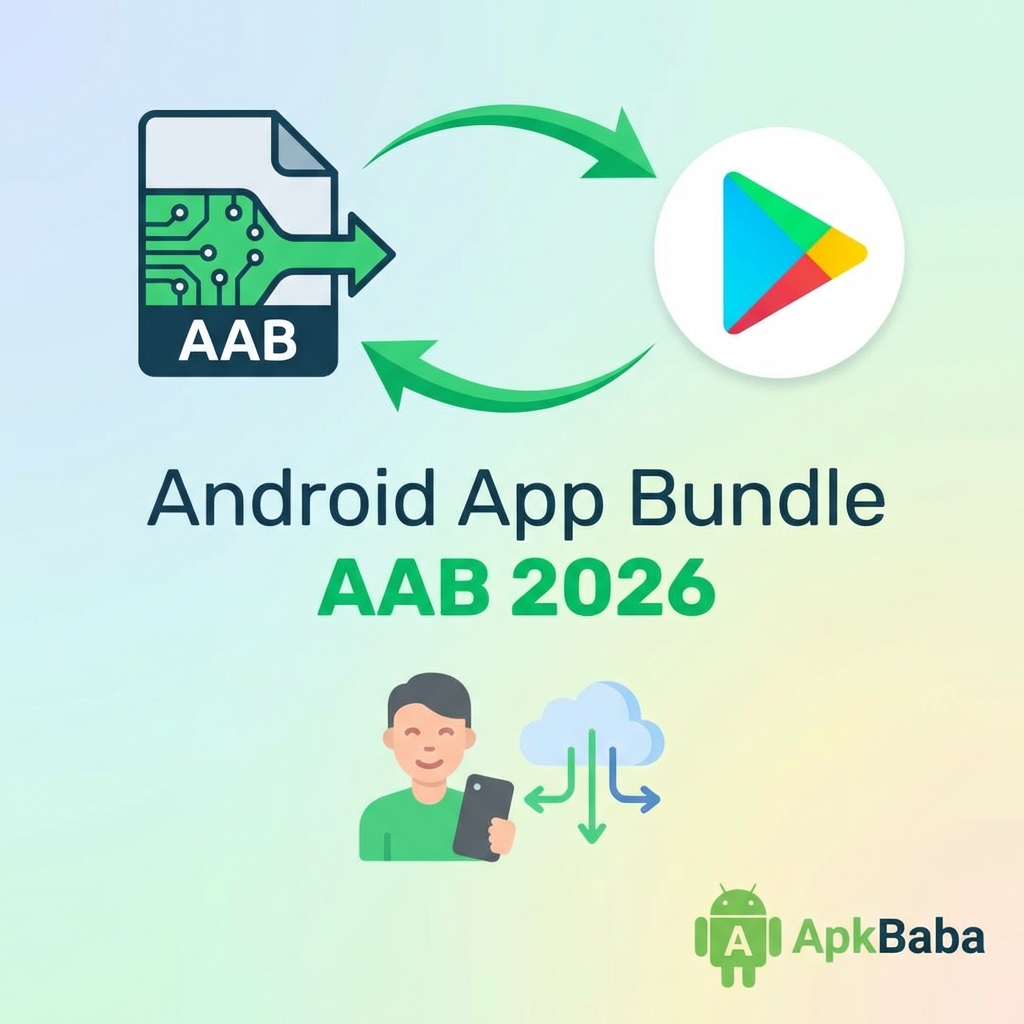
Android App Bundle (AAB) has become the mandatory publishing format for new apps on Google Play since August 2021. In 2026, AAB is the standard for app distribution, offering significant benefits over the legacy APK format.
This comprehensive guide covers everything you need to know about migrating to Android App Bundles.
What is Android App Bundle?
Android App Bundle is a publishing format that includes all your app’s compiled code and resources, but defers APK generation and signing to Google Play.
Key Differences from APK:
- Publishing format – You upload AAB, not APK
- Dynamic delivery – Google Play generates optimized APKs
- Smaller downloads – Users get only what they need
- Modular apps – Support for dynamic feature modules
Benefits of Android App Bundle
1. Smaller Download Size
Average 15-35% reduction in download size because users only download:
- Code for their device’s CPU architecture
- Resources for their screen density
- Language resources for their locale
2. Dynamic Feature Modules
Deliver features on-demand:
- Reduce initial download size
- Load features when needed
- Conditional delivery based on device capabilities
3. Asset Packs
Deliver large assets separately:
- Install-time delivery
- Fast-follow delivery
- On-demand delivery
How to Build an Android App Bundle
Using Android Studio:
Build → Generate Signed Bundle / APK → Android App Bundle
Using Gradle:
./gradlew bundleRelease
Output: `app/build/outputs/bundle/release/app-release.aab`
Configuration in build.gradle
Enable Splits:
android {
    bundle {
        language {
            enableSplit = true
        }
        density {
            enableSplit = true
        }
        abi {
            enableSplit = true
        }
    }
}
Disable Splits (if needed):
android {
    bundle {
        abi {
            enableSplit = false
        }
    }
}
Dynamic Feature Modules
Create a Dynamic Feature Module:
File → New → New Module → Dynamic Feature Module
Configure Delivery:
Install-time:
<dist:module
    dist:instant="false"
    dist:title="@string/feature_name">
    <dist:delivery>
        <dist:install-time />
    </dist:delivery>
</dist:module>
On-demand:
<dist:module
    dist:instant="false"
    dist:title="@string/feature_name">
    <dist:delivery>
        <dist:on-demand />
    </dist:delivery>
</dist:module>
Request Feature Download:
val splitInstallManager = SplitInstallManagerFactory.create(context)

val request = SplitInstallRequest.newBuilder()
    .addModule("feature_name")
    .build()

splitInstallManager.startInstall(request)
Testing Android App Bundles
1. Local Testing with bundletool:
# Generate APKs from AAB
bundletool build-apks --bundle=app-release.aab --output=app.apks

# Install on connected device
bundletool install-apks --apks=app.apks
2. Internal Testing Track:
Upload to Google Play Console’s internal testing track to test with real users.
3. Test Dynamic Features:
# Test specific configuration
bundletool build-apks --bundle=app.aab --output=app.apks
  --connected-device
Migration Checklist
Before Migration:
- Update Android Gradle Plugin to 3.2.0+
- Test app thoroughly
- Review app size
- Identify features for dynamic delivery
During Migration:
- Build AAB: `./gradlew bundleRelease`
- Test with bundletool
- Upload to internal testing
- Test all features
- Monitor crash reports
After Migration:
- Monitor download size metrics
- Track install success rate
- Analyze user feedback
- Optimize further with dynamic features
Common Issues and Solutions
Issue 1: Native Libraries Not Found
Solution: Ensure all ABIs are included or use splits properly.
Issue 2: Resources Missing
Solution: Check resource configuration and splits.
Issue 3: Dynamic Feature Not Loading
Solution: Verify module dependencies and delivery configuration.
Best Practices
- Enable all splits – Maximize size savings
- Use dynamic features – For rarely-used features
- Test thoroughly – Test all device configurations
- Monitor metrics – Track download size and install rates
- Keep APK support – For non-Play distribution
Conclusion
Android App Bundle is the future of Android app distribution. By migrating to AAB, you can reduce download sizes, improve install rates, and deliver features more efficiently.
Start your migration today and take advantage of dynamic delivery to create better user experiences.
For more Android optimization tips, visit our free WebP converter tool.