In the rapidly evolving landscape of Android development, image optimization has become a critical factor in app performance and user retention. Research from Google Play Console indicates that for every 6MB increase in APK size, conversion rates drop by approximately 1%. This makes efficient asset management not just a technical consideration, but a business imperative.
Enter WebP—Google’s modern image format that has revolutionized how developers handle visual assets in Android applications. In this comprehensive guide, we’ll explore everything you need to know about implementing WebP in your Android projects in 2026.
What is WebP?
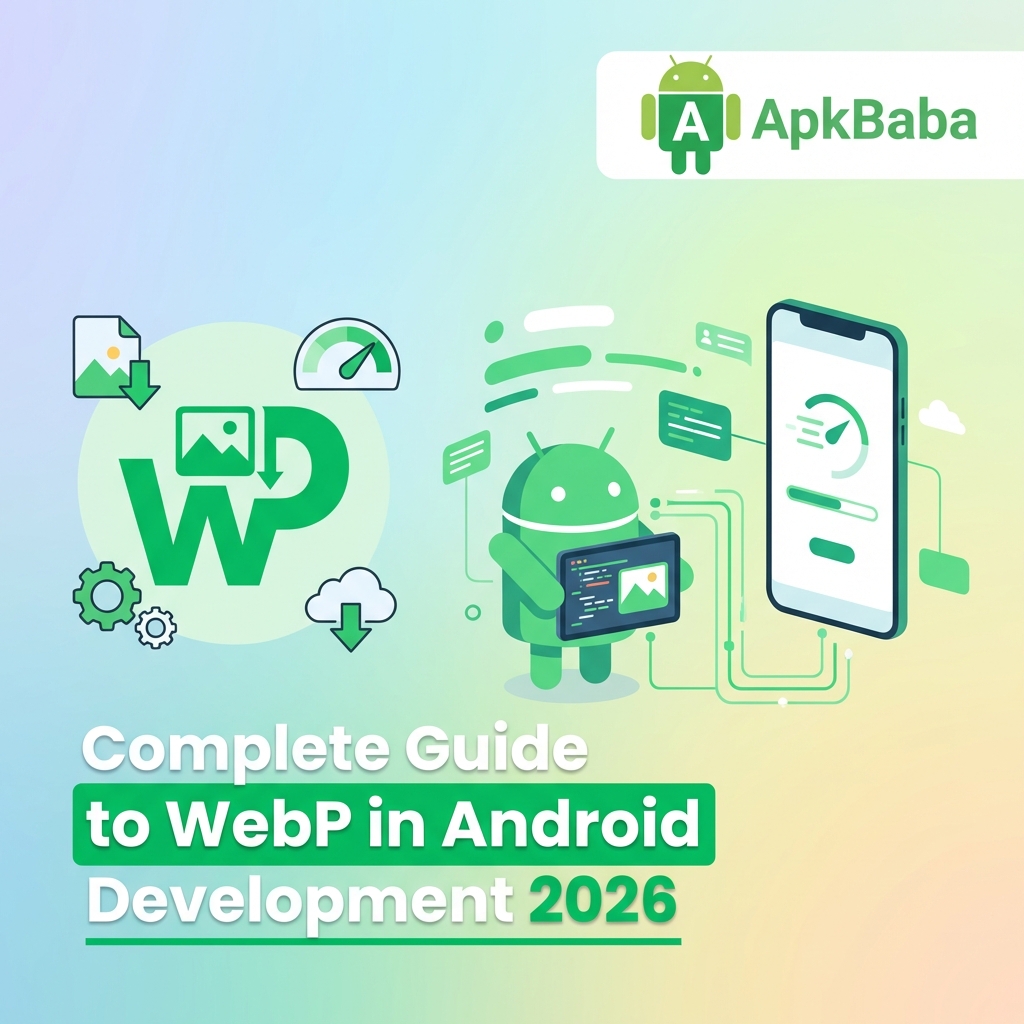
WebP is an image format developed by Google that provides superior lossless and lossy compression for images on the web and mobile platforms. Unlike traditional formats, WebP offers:
- 25-34% smaller file sizes compared to PNG (lossless mode)
- 25-35% smaller file sizes compared to JPEG (lossy mode)
- Full alpha channel support (transparency)
- Native Android support since API 14 (Android 4.0)
- Animation support (replacing animated GIFs)
The format uses predictive coding to achieve its impressive compression ratios. By analyzing neighboring pixel blocks, WebP can efficiently encode image data while maintaining visual quality that’s often indistinguishable from the original.
Why WebP Matters in 2026
The mobile development landscape has shifted dramatically. Users expect:
- Instant app launches – Every megabyte counts toward first impression
- Minimal data usage – Especially critical in emerging markets
- Smooth performance – Smaller assets mean faster decoding and rendering
- Regular updates – Smaller APKs enable more frequent releases
Google Play’s app size limits have become stricter, with the maximum compressed APK size capped at 150MB. For apps exceeding this, expansion files are required—adding complexity to your distribution strategy.
Implementation in Android Projects
Converting existing PNG/JPEG assets to WebP in Android Studio is straightforward:
- Right-click on image in res/drawable
- Select “Convert to WebP”
- Choose quality settings (80-100% recommended)
- Preview the result
- Click OK to convert
Android Studio handles the conversion and updates all references automatically.
Performance Benefits
Real-world testing shows WebP offers the best balance of file size and decode performance. In lossy mode at 80-90% quality, you can expect:
- 25-35% smaller files than JPEG
- Similar or faster decode times
- Identical memory usage
- Better visual quality at same file size
Migration Strategy
When migrating from PNG/JPEG to WebP:
- Audit current assets – Identify largest files first
- Batch convert – Use Android Studio or command-line tools
- Validate quality – Visual inspection on actual devices
- Update references – Automated via Android Studio
- Test thoroughly – Ensure no visual regressions
Conclusion
WebP has matured into the definitive image format for Android development in 2026. Its combination of superior compression, broad compatibility, and seamless integration makes it an essential tool for any developer serious about app performance.
By migrating your assets to WebP, you can expect 20-35% reduction in APK size, faster app downloads, and improved user retention.
Ready to optimize your Android app assets? Try our free WebP converter tool with complete client-side processing for maximum privacy.