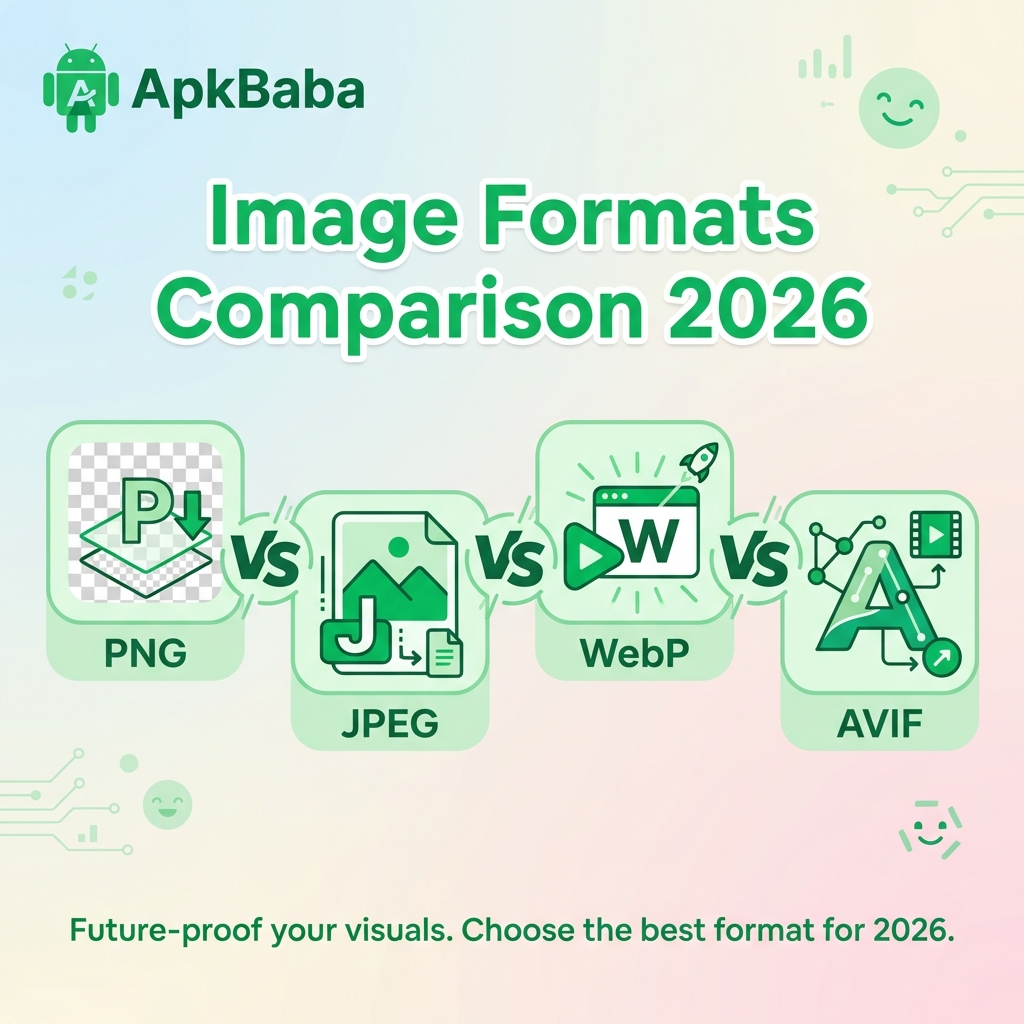
Choosing the right image format is crucial for mobile app performance. In 2026, developers have multiple options: PNG, JPEG, WebP, and the newer AVIF. Each format has specific use cases, advantages, and trade-offs.
This comprehensive guide compares all major image formats to help you make informed decisions.
Image Format Overview
PNG (Portable Network Graphics)
- Type: Lossless compression
- Transparency: Full alpha channel support
- Best for: Graphics with transparency, logos, icons
- File size: Largest among modern formats
- Support: Universal
JPEG (Joint Photographic Experts Group)
- Type: Lossy compression
- Transparency: No support
- Best for: Photographs, complex images
- File size: Smaller than PNG for photos
- Support: Universal
WebP
- Type: Both lossy and lossless
- Transparency: Full alpha channel support
- Best for: All image types
- File size: 25-35% smaller than PNG/JPEG
- Support: Android 4.0+, iOS 14+
AVIF (AV1 Image Format)
- Type: Both lossy and lossless
- Transparency: Full alpha channel support
- Best for: Next-generation apps
- File size: 50% smaller than JPEG
- Support: Android 12+, iOS 16+
Detailed Comparison
File Size Comparison
For a typical 1920×1080 image:
- PNG: 2.5 MB (lossless)
- JPEG: 450 KB (quality 80)
- WebP Lossy: 320 KB (quality 80)
- WebP Lossless: 1.8 MB
- AVIF: 180 KB (quality 80)
Compression Quality
- PNG: Perfect quality, no loss
- JPEG: Good quality at 80-90%
- WebP: Better quality than JPEG at same size
- AVIF: Best quality-to-size ratio
When to Use Each Format
Use PNG When:
- You need pixel-perfect quality
- Image has transparency
- Image has text or sharp edges
- Maximum compatibility required
Use JPEG When:
- Image is a photograph
- Transparency not needed
- Targeting very old devices
- File size is critical
Use WebP When:
- Targeting Android 4.0+ or iOS 14+
- Want best balance of quality and size
- Need transparency with compression
- Want to replace both PNG and JPEG
Use AVIF When:
- Targeting Android 12+ or iOS 16+
- Maximum compression needed
- Building cutting-edge apps
- Can afford limited compatibility
Implementation in Android
WebP Implementation:
// Convert in Android Studio
Right-click image → Convert to WebP

// Or use in code (works automatically)
ImageView imageView = findViewById(R.id.image);
imageView.setImageResource(R.drawable.image_webp);
AVIF Implementation:
// Requires Android 12+ (API 31)
// Use Coil library for better support
imageView.load("image.avif") {
    crossfade(true)
}
Browser and Platform Support
WebP Support:
- Android: 4.0+ (API 14)
- iOS: 14.0+
- Chrome: All versions
- Safari: 14+
- Coverage: ~95% of users
AVIF Support:
- Android: 12+ (API 31)
- iOS: 16+
- Chrome: 85+
- Safari: 16+
- Coverage: ~70% of users
Conversion Tools
For WebP:
- Android Studio: Built-in converter
- cwebp: Command-line tool
- ApkBaba Converter: Browser-based, client-side
For AVIF:
- avifenc: Command-line encoder
- Squoosh: Web-based converter
Performance Implications
Decode Speed:
- JPEG: Fastest (baseline)
- PNG: Fast
- WebP: Similar to JPEG
- AVIF: Slower (2-3x JPEG)
Memory Usage:
All formats use similar memory after decoding (based on dimensions, not file size).
Best Practices for 2026
Recommended Strategy:
- Primary: Use WebP for all images
- Fallback: Keep PNG/JPEG for old devices
- Future: Prepare for AVIF adoption
- Testing: Test on real devices
Optimization Workflow:
- Start with high-quality source images
- Convert to WebP at 80-90% quality
- Test visual quality
- Measure file size savings
- Deploy and monitor
Conclusion
For most mobile apps in 2026, WebP is the ideal choice, offering excellent compression, broad support, and transparency. AVIF is promising but requires careful consideration of device support.
Start migrating to WebP today to reduce app size and improve performance. Use our free WebP converter tool to get started.